DSC WS4975 Instructions De Montage
Les langues disponibles
Les langues disponibles
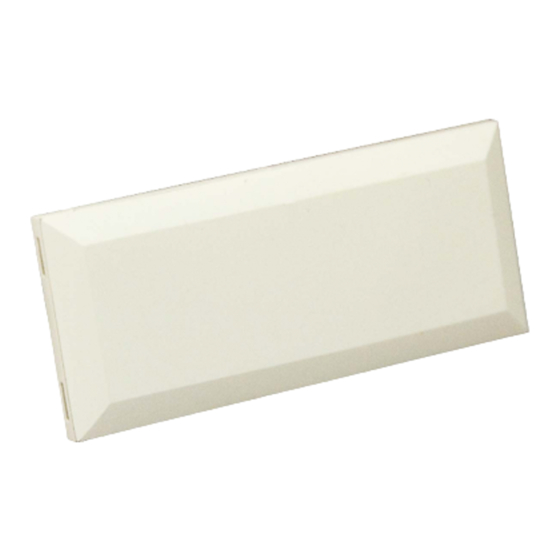
WS4975 Vanishing Door/Window Contact
Installation Instructions
Introduction
The WS4975 is a supervised, wireless, door/window contact intended for
use with DSC Alarm systems.
NOTE: This device shall be installed by qualified Service Persons only.
Specifications
• Dimensions: 57mm×25mm×5.3mm (2.25"×1"×0.21")
• Temperature Range: -10°C to +50°C (14°F to 122°F).
• Humidity: 95 ± 5% (non-condensing)
• Battery: Panasonic Lithium CR2032
• Battery Life: 5 years (NOM)
NOTE: Temperatures below -10°C (14°F) can cause the WS4975 to
report a false low battery indication. Operation below -10°C (14°F), will
reduce the battery life significantly.
Battery Installation/Replacement
• Insert a coin (Fig. 1) or a flat head screw driver (Fig. 2) into the notch
indicated and gently twist to open. Lift up and pull the case outward to
open (Fig. 3).
• Insert Battery (Fig. 4) with the + side facing UP .
CAUTION: Observe the correct polarity when installing battery. Use
only Panasonic Lithium CR2032 batteries for replacement.
WARNING! Battery may explode if mistreated. Do not recharge, disassemble or dispose of in
fire.
Installation
NOTE: Select a mounting location free from exposure to moisture and humidity.
• Mount the WS4975 on window or door frame using the supplied double-sided tape or screws (Fig.
5).
• Find the notch on the outside of the WS4975 enclosure. Align the magnet with the notches
indicated in Fig. 6. Ensure that the distance between magnet and transmitter does not exceed 15.8
mm (5/8").
Enrollment
Follow these enrollment steps for
programming wireless devices on a
PowerSeries Panel. For a Maxsys Panel
refer to the PC4164 Installation Manual.
1. At a system keypad, enter
[*][8][Installer's code][804].
2. Enter the 2-digit number for zone
that the device will be occupying
[01] to [32].
3. Enter the ESN number.
4. To enroll another wireless device
enter another 2-digit zone number
and then ESN number.
5. Press [#] to exit section [804]
when finish.
6. Program Zone definition in sections
[001] to [004]*
7. Enable wireless attribute (option 8)
in section [101] to [132]*
8. Program the Zone on the correct
partition in section [202] to [265]*
* see panel's Installation Manual for more
detail information.
Compatible Receiver List
• RF5132
• RFK55XX-433
RF5501-433
•
RF5108-433
•
PC4164-433 (V3.00 or greater)
•
PC5132-433 (V4.2X or greater)
•
Fig. 1
Fig. 2
Fig. 3
Fig. 4
NT9005
•
Fig. 5
Fig. 6
Table des Matières

Manuels Connexes pour DSC WS4975


Sommaire des Matières pour DSC WS4975
-
Page 3: Contact D'ouverture De Fenêtre/Porte Ws4975
REMARQUE : Choisissez un emplacement de montage à l’abri de toute éclaboussure ou humidité. • Montez le WS4975 dans un cadre de fenêtre ou de porte au moyen de l'adhésif double face ou de vis (Fig. 5). • Trouvez l’encoche sur l’extérieur du boîtier du WS4975. Alignez l’aimant avec les fentes indiquées Fig.