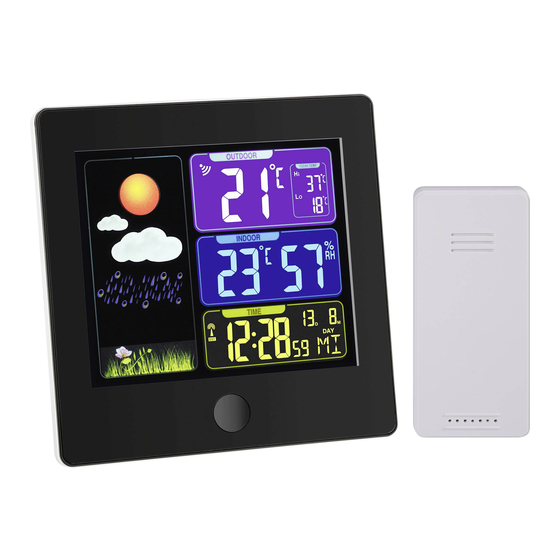
TFA Sun Mode D'emploi

Manuels Connexes pour TFA Sun


Sommaire des Matières pour TFA Sun
- Page 2 TFA_No. 35.1133_Anleitung 06.12.2014 14:15 Uhr Seite 2 Fig. 1 Fig. 1...
-
Page 16: Station De Base
SUN - Station météo radio-pilotée SUN - Station météo radio-pilotée Nous vous remercions d'avoir choisi l'appareil de la Société TFA. • Retirez immédiatement la fiche de la prise en cas de défaut ou si l'appareil n'est pas utilisé pendant une longue période. -
Page 17: Réception De L'heure Radio
TFA_No. 35.1133_Anleitung 06.12.2014 14:15 Uhr Seite 17 SUN - Station météo radio-pilotée SUN - Station météo radio-pilotée A5: Température et humidité intérieure Important! Une tension de réseau de plus de 230 V pourrait endommager votre A6: Horloge radio-pilotée avec secondes, jour de semaine et date appareil. -
Page 18: Consignes Pour La Réception De L'heure Radio
TFA_No. 35.1133_Anleitung 06.12.2014 14:15 Uhr Seite 18 SUN - Station météo radio-pilotée SUN - Station météo radio-pilotée 4.1.1 Consignes pour la réception de l'heure radio 4.3 Éclairage de fond La transmission de l’heure radio-pilotée s’effectue via une horloge atomique au •... -
Page 19: Le Langage Pour Le Jour De La Semaine
TFA_No. 35.1133_Anleitung 06.12.2014 14:15 Uhr Seite 19 SUN - Station météo radio-pilotée SUN - Station météo radio-pilotée • Appuyez sur la touche ▲ ou ▼. • Appuyez sur la touche ALARM pour arrêter la fonction snooze. • Validez au moyen de la touche MODE. -
Page 20: Dépannage
06.12.2014 14:15 Uhr Seite 20 SUN - Station météo radio-pilotée SUN - Station météo radio-pilotée • Installez la station de base dans la pièce d'habitation à l'aide du support escamota- • Ouvrez le compartiment à piles de la station de base. - Page 21 TFA_No. 35.1133_Anleitung 06.12.2014 14:15 Uhr Seite 21 SUN - Station météo radio-pilotée SUN - Station météo radio-pilotée 11. Caractéristiques techniques ➜ Appuyez sur la touche WAVE et activez Pas de réception de signal DCF Station de base manuellement la réception.
- Page 42 TFA_No. 35.1133_Anleitung 06.12.2014 14:15 Uhr Seite 42 Fig. 1 Fig. 1...