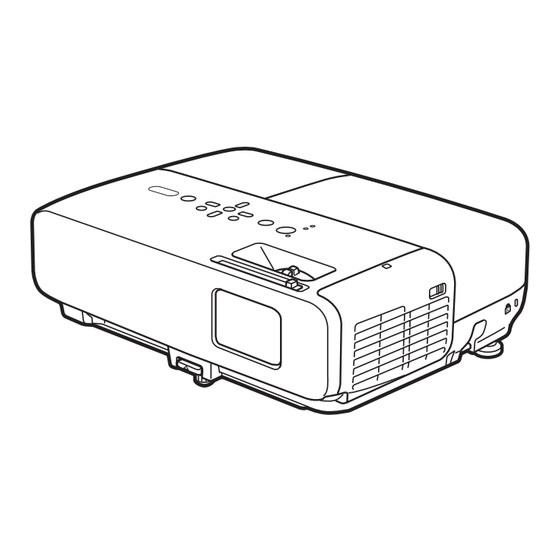
Epson PowerLite 84 Installation Rapide
Les langues disponibles
Les langues disponibles
PowerLite
84
®
Quick Setup
Before using the projector, make sure you read the safety instructions in the
User's Guide on your projector CD.
Connect the projector
Choose from the following connections:
Computer Monitor Port
Connect a computer using the VGA cable that came with the projector.
Connect one end to the projector's Computer1 or Computer2 port, and
the other end to your computer's
monitor port. If you are using a
notebook, switch it to external display. You can also connect an audio cable or
microphone.
Computer USB Port
Connect a computer (Windows
2000 or later only) using the USB cable that
®
came with the projector.
Connect the square end of the USB cable to the projector's
Type B
(square) USB port. Connect the flat end of the cable to any USB port on your
computer. You can also connect an audio cable or microphone.
Follow the on-screen instructions to install the Epson USB Display software.
Then press the USB button on the remote control.
Video Player
Connect up to 4 video devices and use the remote control to switch between
them.
Component video
S-Video
RCA video cable
to VGA cable
cable
(composite video)
Audio cable
(optional)
(optional)
(optional)
(optional)
*411674500*
*411674500*
Table des Matières

Manuels Connexes pour Epson PowerLite 84


Sommaire des Matières pour Epson PowerLite 84
-
Page 5: Installation Rapide
(carré). Branchez l’extrémité plate du câble dans un port USB de votre ordinateur. Vous pouvez aussi brancher un câble audio ou un microphone. Suivez les directives à l’écran pour installer le logiciel Epson USB Display. Ensuite, appuyez sur le bouton USB de la télécommande. -
Page 6: Mettez Votre Équipement Sous Tension
Mettez votre équipement sous tension Mettez l’ordinateur ou la source vidéo sous tension. Branchez le projecteur. Ouvrez complètement la glissière A/V Mute (Pause A/V) (couvre-objectif). Appuyez sur le bouton d’alimentation du projecteur ou de la télécommande. Témoin d’alimentation Bouton d’alimentation Le témoin d’alimentation clignote en vert, puis, il demeure allumé. -
Page 7: Utilisation De La Télécommande
Faites tourner la bague de mise au point jusqu’à ce que l’image soit nette. Faites tourner la bague de zoom pour réduire ou agrandir l’image. Mise au point Zoom Si votre image ressemble à ou à , le projecteur est décalé vers un côté... -
Page 8: Pour Obtenir De L'aide
CD inclus avec votre projecteur ou en ligne à www.epson.com/webreg. Epson est une marque déposée et Epson Exceed Your Vision est un logo déposé de Seiko Epson Corporation. PrivateLine est une marque déposée d’Epson America, Inc.