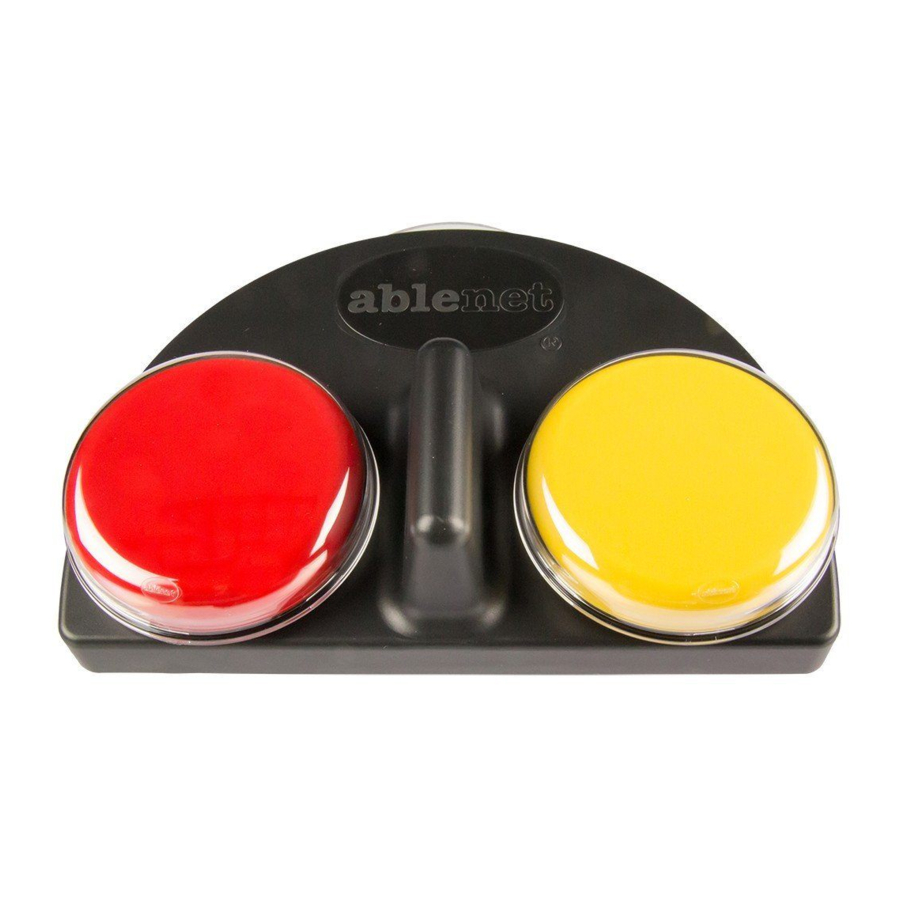
AbleNet iTalk2 Guide De Mise En Route Rapide
Table des Matières
Les langues disponibles
Les langues disponibles
Liens rapides
Quickstart Guide:
iTalk2™ & iTalk2™ with Levels communicators
www.ablenetinc.com
3
Record Messages
a
a. Press and Hold a switch top, begin speaking when
you hear a beep. Release when finished.
b. Repeat for second location.
RECORD Light will flash while recording.
1
Insert Battery and Turn On
Connect one 9-volt battery at the bottom of the device.
Rotate the Volume ON/OFF knob to turn the device on.
4
Exit Record Mode
b
Press and Release
Press and Release the RECORD button to exit Record
Mode.
NOTE: iTalk2 has 2 minutes of total recording time and
iTalk2 with Levels has 4 minutes. The light will turn yellow
and flash when only ten seconds of time remain.
2
On
Press and Hold the RECORD button until the RECORD
Light activates, then Release.
5
iTalk2 is now programmed and ready for use.
Enter Record Mode
Press and Hold,
then Release
Play Messages
Table des Matières

Manuels Connexes pour AbleNet iTalk2


Sommaire des Matières pour AbleNet iTalk2
-
Page 7: Insérez La Pile Et Allumez
Relâchez une fois l’enregistrement terminé. REMARQUE : iTalk2 a un temps total d'enregistrement de 2 minutes et iTalk2 avec niveaux de 4 minutes. Le voyant vire b. Reprenez avec le second contacteur. au jaune et clignote quand il ne reste plus que 10 secondes Le voyant RECORD clignote en cours d’enregistrement. -
Page 8: Fonctions Avancées
Lecture d’un message via un contacteur externe Bouton Rouge – Prise d’entrée/sortie 1 Prise/sortie d’entrée 1 (rouge) Les prises d’entrée/sortie du iTalk2 utilisent par défaut les réglages ci-dessus. d’enregistrement (REC) Pour utiliser un ou des contacteurs externe(s) avec le iTalk2 : Prise/sortie d’entrée 2 (jaune)